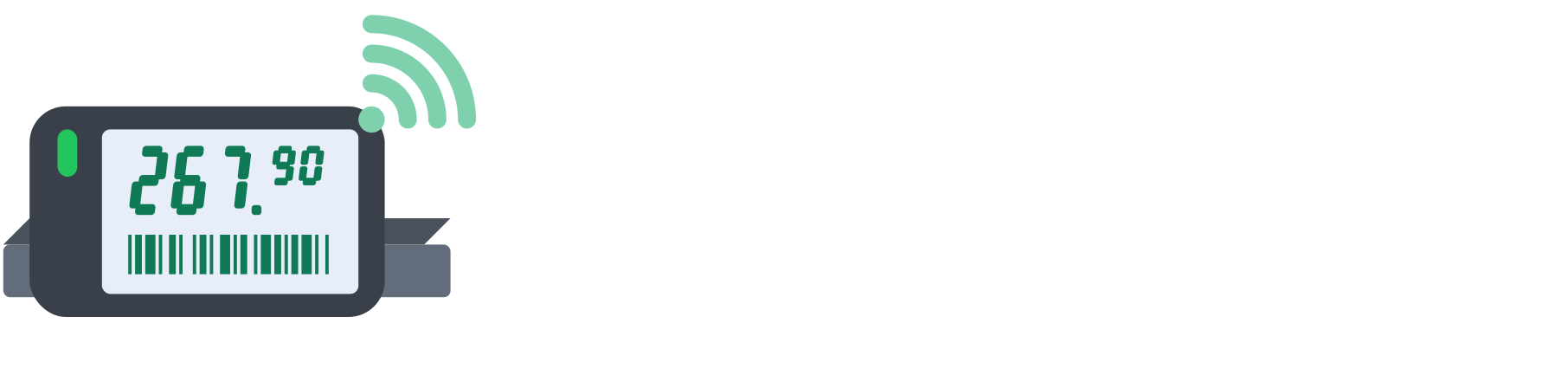
Where the system gets new prices
Prices come from the software you already use. Our mechanism detects every price change in your ERP or POS software and forwards it to the DigiPolica server, which starts the price update right away. Staff do not have to do anything.
Besides automatic updates, you can also change prices manually
- Price spreadsheet import. Upload a spreadsheet with new prices through our interface. Before anything reaches the shelf, you see exactly which prices will change, and only then do you confirm.
- Single item edit. Change the price of a single item directly in the dashboard, and the new price goes to all of its labels.
Each store has exactly one price source: the store itself or chain headquarters. That way two sources never overwrite the same price.

Only what really changed is updated
Software often sends the whole price list even when only a few items changed. The system compares each price with the one already on the shelf and refreshes only the labels whose price or promotion really changed. This saves label battery and shortens the update.
The system never adds an item that is not in your catalogue on its own. Such items appear in the update report, so you decide what to do with them.
Every label gets its own layout
For each changed item the system builds a layout from the template you chose, matched to the label size and colours: name, price, unit price, barcode and, when the item is on promotion, a highlighted promotional price.
If the same item is displayed in several places in the store, the new price reaches all of its labels.
Reliable even for large updates
Whether you change one price or thousands, the system sends the changes to the labels in an orderly way, through the base stations in the store, and makes sure no change is lost.
Confirmation from the shelf
Electronic shelf labels save battery by resting most of the time and checking in with the base station regularly. When a label checks in, it takes the new price, displays it and sends a confirmation.
If no confirmation arrives, the system retries on its own, with no action from staff. A label with a flat battery, which cannot change its display, is flagged right away instead of being waited on.
A report after every update
When the labels confirm the new price, the update is closed and you get a notification. The report shows how many prices changed, how many labels confirmed and which labels need checking, with the reason.
So at any moment you know that the shelf price and the till price match, in every store.