A promotion that stands out
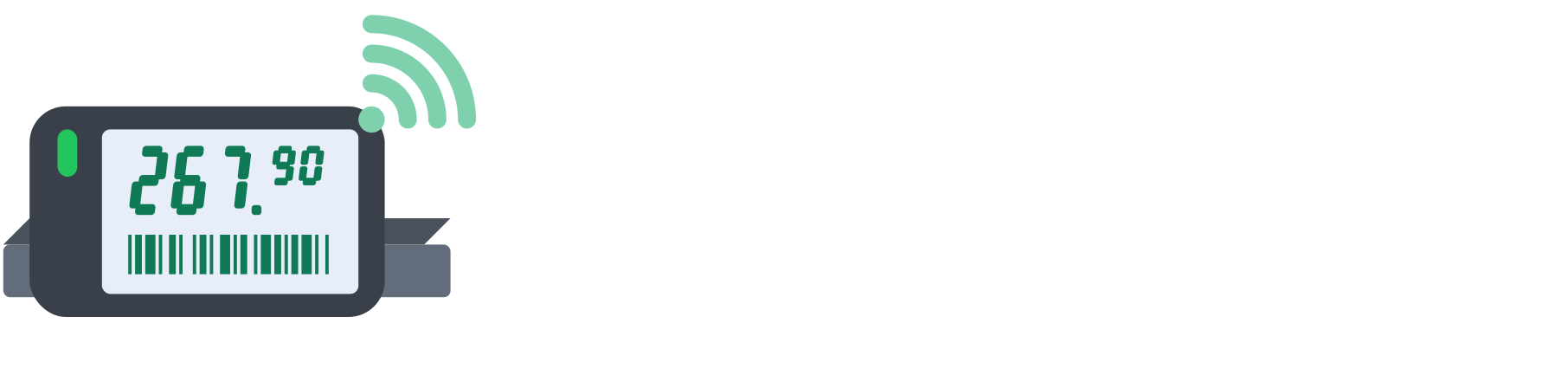
When an item is on promotion, the label changes its look automatically. In our standard design the promotional price is large and highlighted in red, the regular price is struck out, and a promotion badge catches the eye from a distance. The customer instantly sees how much they save, and the unit price is still there, as regulations require.

From your ERP or the admin panel
Promotions arrive the same way as regular prices: automatically from your ERP system, because our mechanism also recognises promotion changes, or you switch them on manually in the admin panel, for one item or with a whole list. Before confirming, you see which promotions are being switched on and which are ending.
In a chain, a promotion can apply to the whole chain, to selected stores or to a single zone, for example a regional promotion in one city.
Start and end a promotion without staying late
You can prepare a promotion in advance and schedule it to start exactly when it should, for example at midnight or before opening. When the promotion expires, the label returns on its own to the regular price that applies at that moment, so nobody has to stay after closing to take promotional prices down.
In the admin panel you can always see which items are on promotion and whether every label has shown the promotional price.